Editorial Sticky Scroll
A highly engaging storytelling section where media remains fixed while narrative text blocks scroll over it.
The Editorial Sticky Scroll is perfect for one focused narrative moment, like explaining a material's origin, highlighting a product benefit, or creating a campaign pause.
As the customer scrolls down, the main background image stays sticky while a large headline and one content box create the editorial moment.
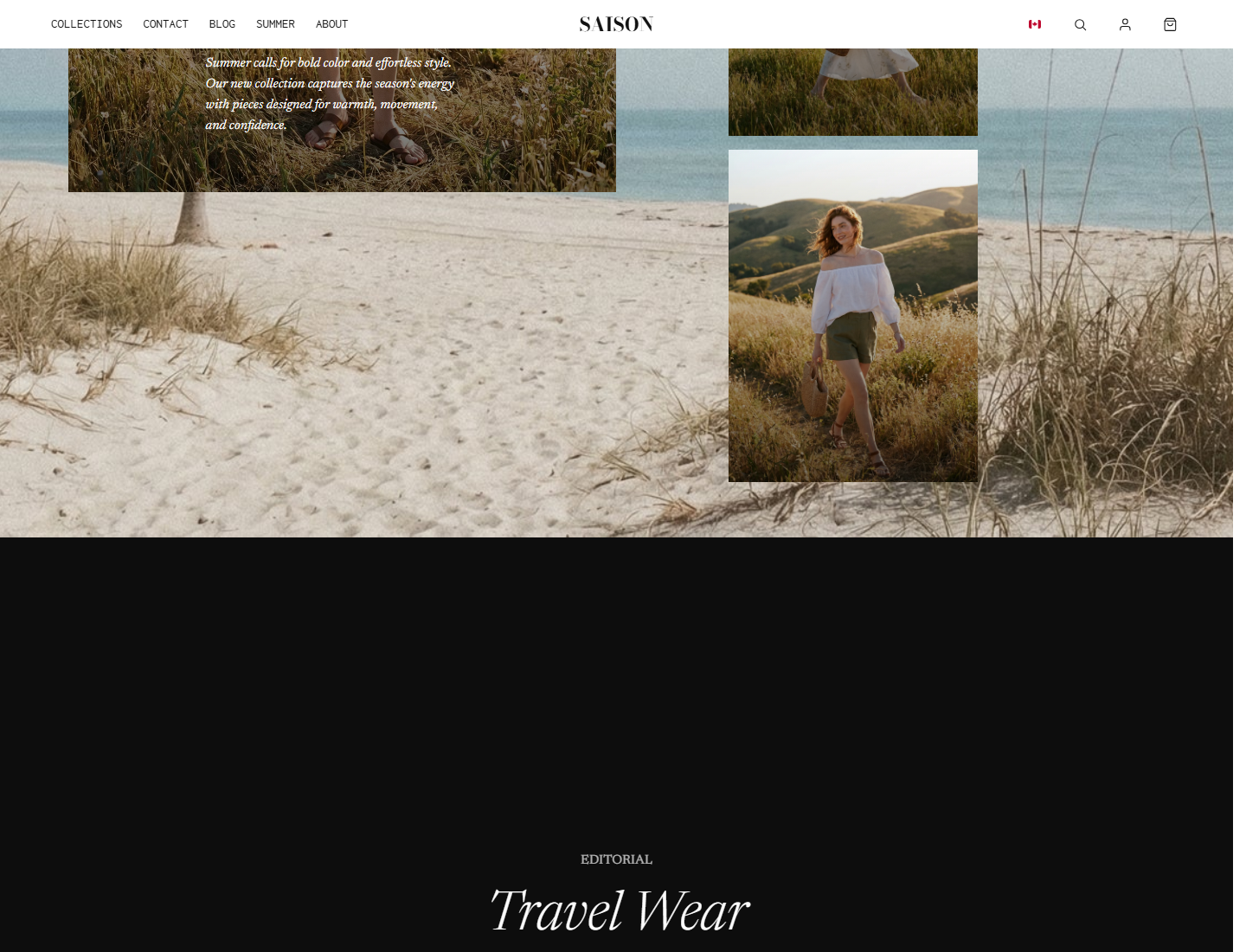
Configuring the Scroll Depth
Because this section manipulates the browser's scroll behavior, getting the physics right is crucial for a smooth user experience.
Set Scroll Height (Desktop)
In the section settings, Scroll height dictates how far the user must scroll before the section "un-sticks" and the page continues normally. If you leave this at 0, SAISON will automatically calculate the height based on your text content.
Set Scroll Height (Mobile)
Mobile screens are much shorter. You must test the Scroll height mobile setting separately. Too long, and the user gets frustrated trying to escape the section. Too short, and they won't have time to read the headline and content box.
Position the Elements
Use Headline position and Box position to place the text where it doesn't cover the most important part of your background image. For example, if your model is on the right side of the image, set the Box position to bottom-left.
Advanced Animations
- Enable stroke animation: If checked, the main headline will draw itself in using an SVG stroke animation as the user scrolls into the section.
- Ensure your headline font supports stroke animation. (Gilda Display works beautifully for this).
- Use <em> tags in your headline to italicize specific words for editorial emphasis (e.g., 'Summer <em>essentials</em>').
Key Settings Reference
| Setting | Location | Recommended | Notes |
|---|---|---|---|
| Image | Section | Use one strong vertical-friendly campaign image | There are no slide blocks, so the image has to carry the whole section. |
| Headline and content box | Section | Short headline plus concise box text | This section has one headline and one content box, not multiple story blocks. |
| Headline / box position | Section | Place away from the image subject | Use top-left, top-right, center, bottom-left, bottom-right, or box bottom-left/bottom-right/center. |
| Scroll height desktop/mobile | Section | Start with auto, then tune only if the section feels too fast or too slow | A value of 0 lets SAISON calculate the height. |
| Overlay Opacity | Section | 25-40% | Crucial for ensuring the headline and content box are readable over the background image. |
| Box Background | Section | Solid color | The background color of the content box. |
| Headline Size | Section | 72px+ | The sticky headline is meant to be massive and editorial. |
| Box Heading Font | Section | Contrasting font | If your headline is serif, try a mono or sans-serif for the box headings. |
Common mistakes
- Writing dense paragraphs inside the content box; this section needs short copy.
- Placing the headline or box over the subject's face or product detail.
- Forgetting mobile scroll height, which can make headline and box overlap.
- Using several sticky or scroll-heavy sections in a row.